
10 Best Recruitment Automation Software for 2026
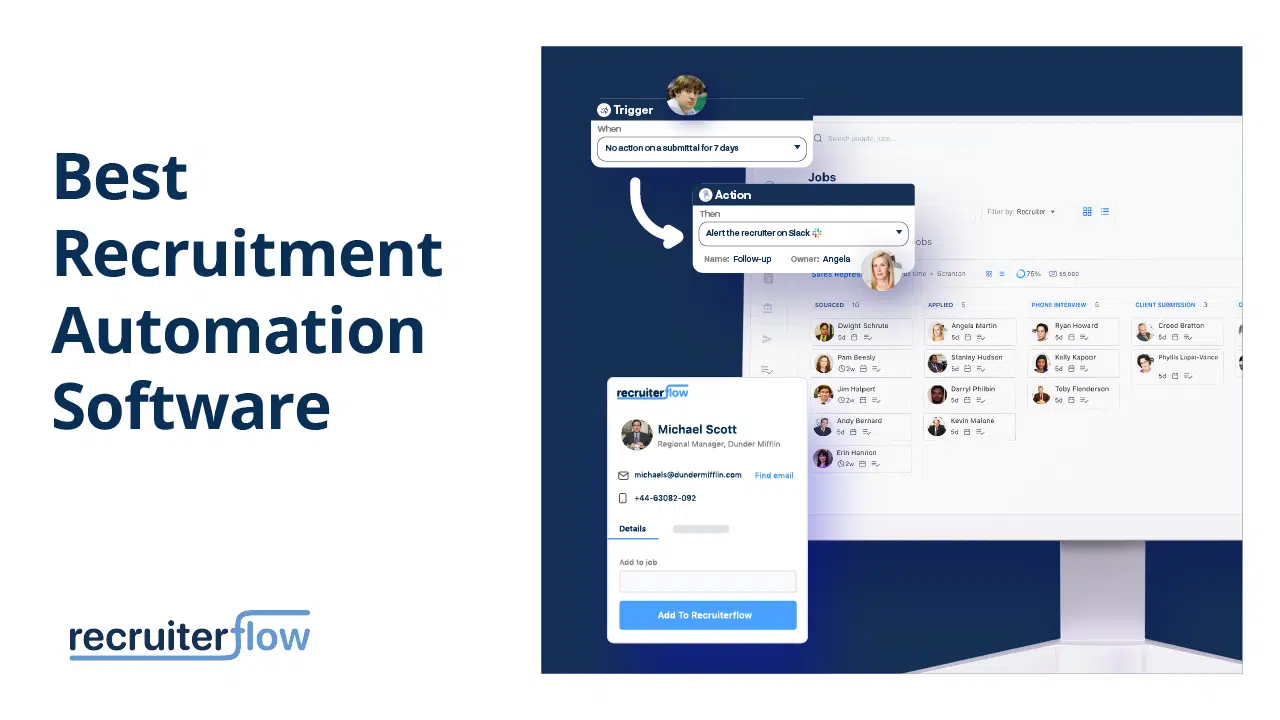
Finding the perfect recruitment automation software from a multitude of options can feel like searching for a gem in a vast landscape.
But fear not! We have done the heavy lifting for you and curated a list of top recruitment automation software.
Read on to keep yourself up to date on the best recruiting software, their pros and cons, prices, and deciding features.
What is recruitment automation software?
Recruitment automation software refers to specialized technology that streamlines and optimizes various parts of the hiring cycle. It uses AI, machine learning, data analytics and similar tools to automate tasks that do not require human intervention like: candidate sourcing, interview scheduling and much more.
Top 10 Best Recruitment Automation Software
1. Recruiterflow
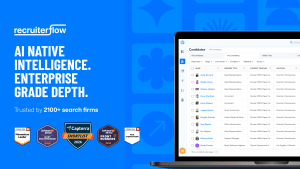
Recruiterflow’s ATS & CRM Rated 4.8/5 on Capterra.
Recruiterflow is an AI-native recruiting system built for retained, contingent, and executive search firms. Unlike most platforms that bolt AI onto a legacy core, Recruiterflow was designed with AI at the centre — through AIRA, an intelligence layer that runs across sourcing, outreach, matching, and pipeline management automatically.
Pricing: $119/user/month
Best for: Retained, contingent, and executive search firms of all sizes — from boutique firms to global operations.
Key capabilities:
- AI candidate matching, context capture, and next-action surfacing via AIRA
- Multi-channel sequences across email, LinkedIn, SMS, and calls
- Client portal, deal pipeline, and collaborative hiring in one system
“With Bullhorn, you have to bolt something on and manage a separate vendor relationship. Recruiterflow had everything integrated.” — Chris Leuzze, FloodGate
Outcomes: 676% more job orders (Believe Resourcing) · 2× placements (PAC Solutions) · 40% more submittals (Guy Last Recruitment)
Also, check – How to Reduce the Time to Fill with Recruitment CRM.
2. Jobma
G2 Rating: 4.7/5
Capterra Rating: 4.6/5
Free Trial: Not available
Pricing: Available upon request.
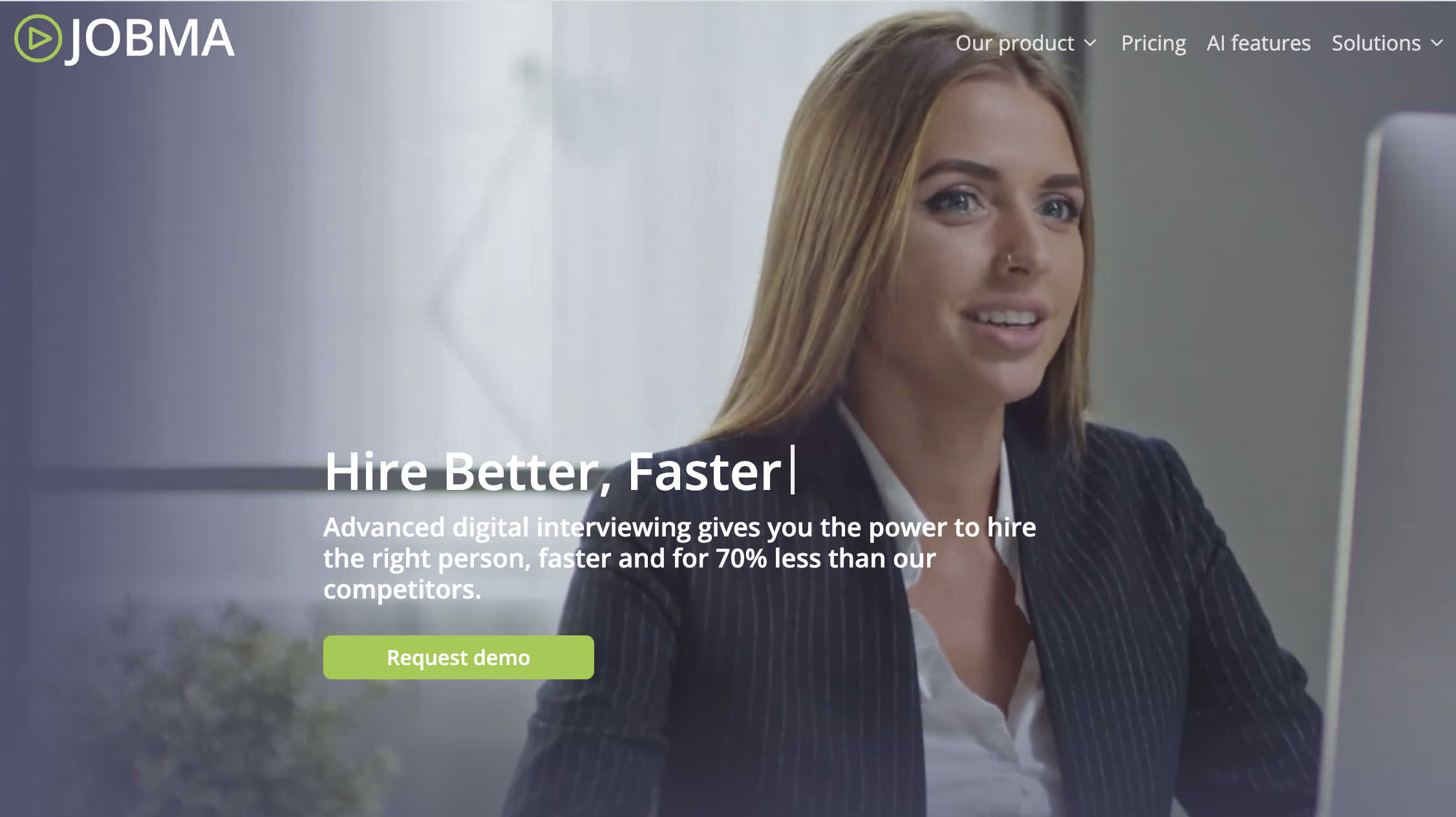
Jobma is an AI-powered, one-way video interview platform. It offers pre-recorded and live video interviews, AI-powered scoring, and a candidate portal. Here are some key points to know about this software:
- It allows you to conduct both asynchronous and one-on-one interviews. This gives you the flexibility to interview candidates at their convenience.
- Jobma’s AI-powered scoring helps you assess candidates through various skill assessment tests and identify the best fit for your open positions.
- You can integrate Jobma with your ATS to keep all your candidate data in one place.
- The platform is easy to use.
3. LinkedIn Recruiter
G2 Rating: 4.4/5
Capterra Rating: 4.7/5
Free Trial: Available for Recruiter Lite
Pricing: Recruiter Lite (basic version) is $170/month or $1680/year.
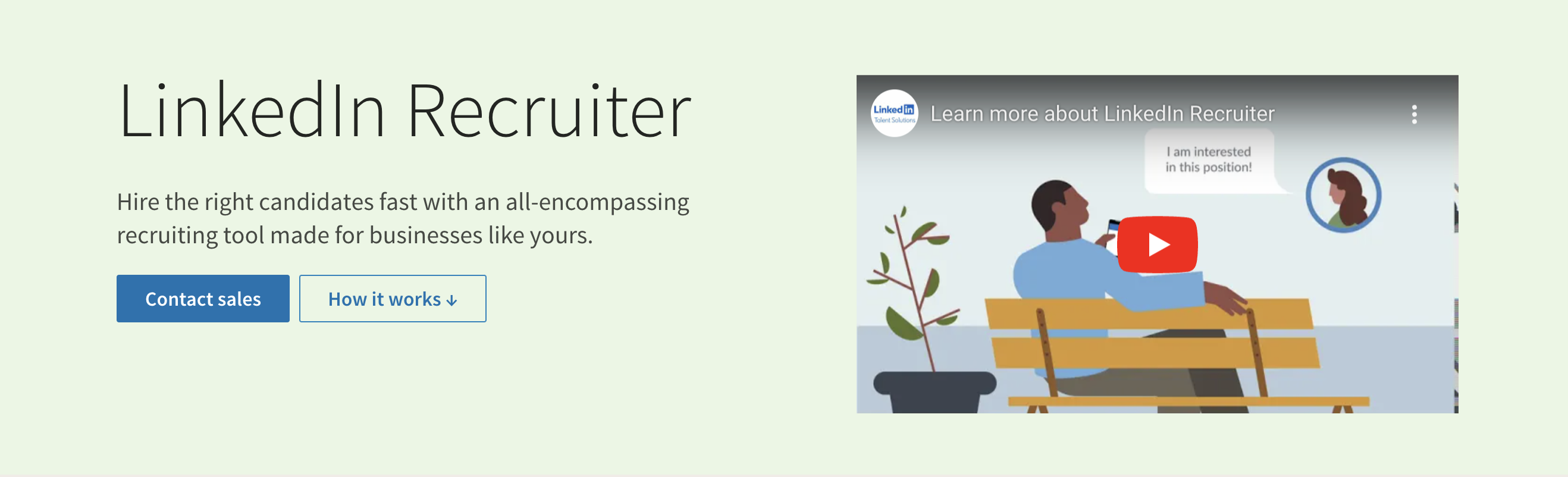
LinkedIn Recruiter is a robust hiring platform with more than 1B global members. Some key features of LinkedIn Recruiter include:
- Advanced Search: Leverage AI-driven suggestions and over 40 advanced search filters to refine your criteria and receive profile recommendations tailored to your needs.
- InMails: LI Recruiter offers 100 -150 InMails per seat which can be utilized to engage with potential candidates beyond your network.
- Candidate Pipeline: With this feature you can create specific recruiter project for each role and monitor shortlist candidates.
- Custom Reporting: You can generate custom reports to track your progress and identify areas for improvement and refine your recruitment strategies based on data.
4. Dripify
G2 Rating: 4.6/5
Capterra Rating: 4.6/5
Free Trial: Available
Pricing: Paid plans start from $39/month/user.
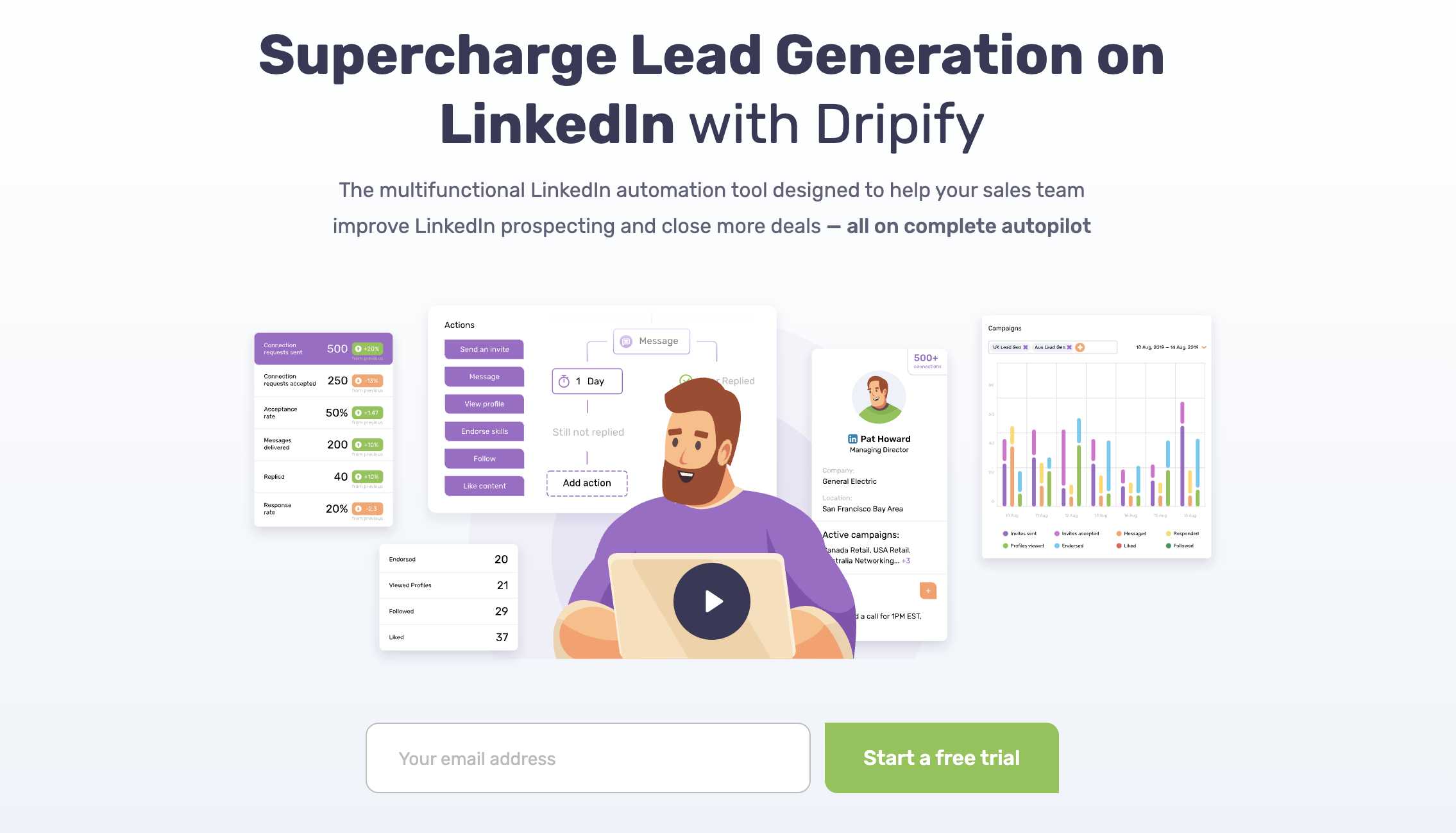
Dripify caters to both your hiring requirements and sales prospecting needs. It helps you in candidate engagement, team coordination, data organization, and recruiting statistical analysis. Key features include:
- Drip Campaigns: Develop personalized funnels by inputting candidate information to maintain a warm and engaged connection with the most promising prospects.
- Team Management: Efficiently onboard your teams, allocate roles, and monitor performance—all from a single, centralized panel.
- Advanced Analytics: Monitor and assess your campaign effectiveness, recent LinkedIn interactions, and engagement statistics for informed decision-making.
- Smart Inbox: Effectively handle your conversations with job candidates using the advanced version of LinkedIn Messenger. Address inquiries, annotate profiles, and prioritize conversations seamlessly.
5. ThriveMap
G2 Rating: 3.0/5
Capterra Rating: 4.8/5
Free Trial: Not available
Pricing: Available upon request.
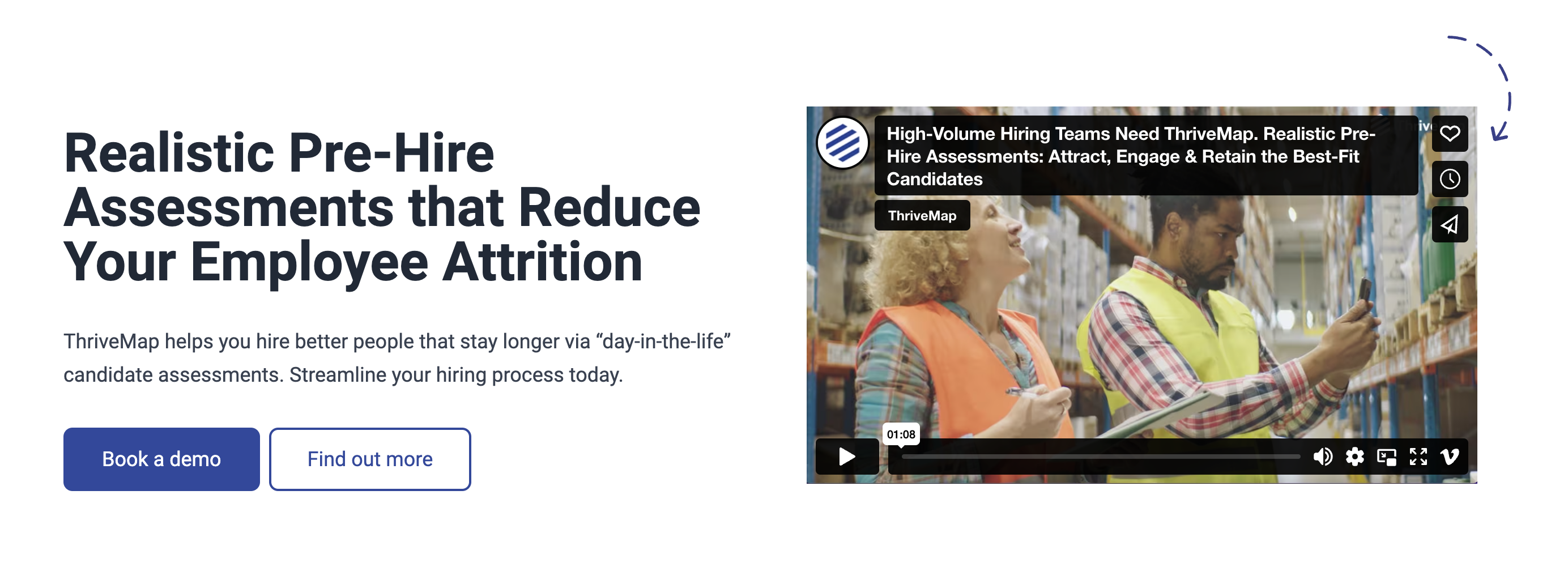
ThriveMap is an AI-powered talent intelligence platform that helps companies identify, engage, and attract top talent through data-driven insights and relationship building. Here are ThriveMap’s key features:
- Talent Graph: Build a comprehensive talent graph to visualize your talent ecosystem and uncover hidden connections.
- Data-Driven Insights: Utilize AI-powered insights to identify top talent pools, predict candidate behavior, and optimize your recruitment strategies.
- Relationship Building: Nurture relationships with potential candidates through personalized outreach and engagement campaigns.
- Predictive Analytics: Leverage predictive analytics to forecast candidate fit and reduce hiring risks.
6. Asanify
G2 Rating: 4.9/5
Capterra Rating: 4.7/5
Free Trial: Available
Pricing: Paid plans start from 99 per month per employee in India and $3.99 per person per month for international users.
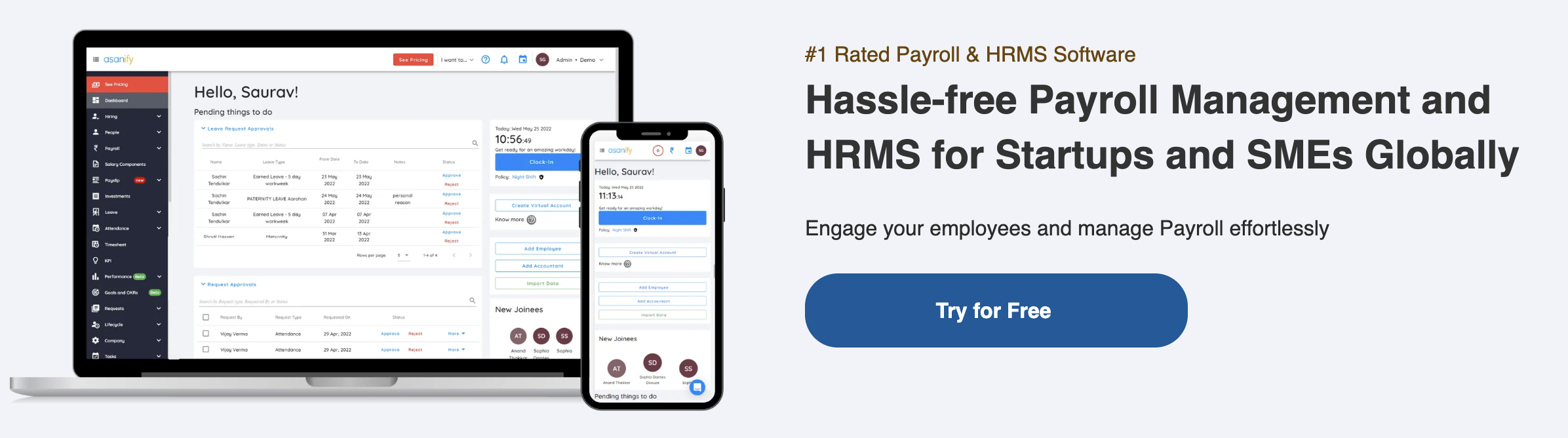
Asanify presents a seamless HRMS software streamlining payroll, attendance, leave, and various other HR responsibilities. Key features include:
- Payroll management: Automates payroll processing, including salary calculations, tax deductions, and statutory compliance.
- Attendance & Leave management: Facilitates convenient clock-in/out via smartphones/computers, monitors attendance, and streamlines leave management with online requests, approvals, and insightful reports.
- Goals & OKRs: helps companies set and track goals and objectives (OKRs). It also provides tools for measuring progress and identifying areas for improvement.
7. iCIMS
G2 Rating: 4.1/5
Capterra Rating: 4.3/5
Free Trial: Not available
Pricing: Available upon request.
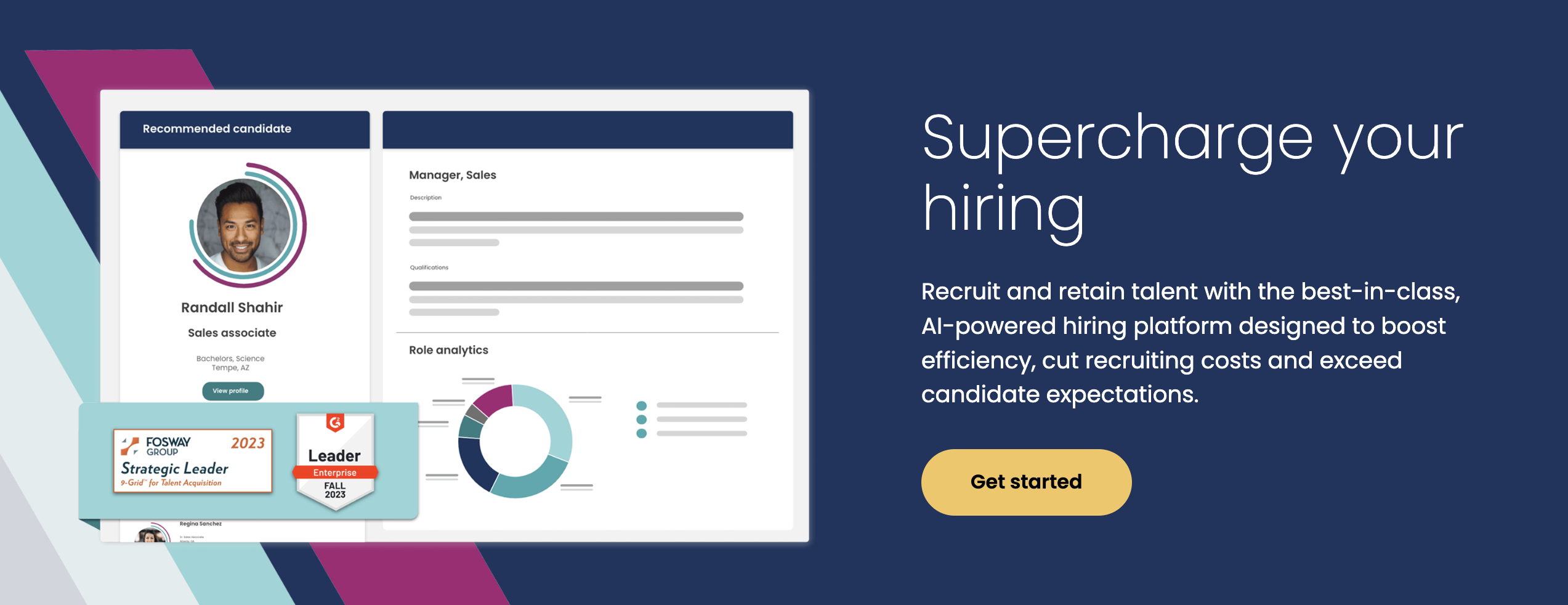
iCIMS stands out as a premier cloud-based talent acquisition platform, empowering organizations to effectively attract, engage, hire, and advance top-tier talent. Noteworthy features include:
- Centralized Talent Hub: Unify your recruiting workflow from candidate sourcing to hiring with a single platform.
- Advanced Search and Sourcing: Utilize AI-powered recruiting tools to identify and reach top talent across multiple channels.
- Streamlined Candidate Engagement: Personalize the candidate experience with automated nurture campaigns, feedback loops, and self-service tools.
- Data-Driven Insights: Gain comprehensive insights into your talent pipeline and recruiting performance through analytics and reporting.
8. Harver
G2 Rating: 4.6/5
Capterra Rating: 5/5
Free Trial: Available
Pricing: Available upon request.
Harver is a leading assessment platform that helps organizations make better hiring decisions by using data-driven assessments to evaluate candidates’ skills, personality, and cognitive abilities. Harver’s platform is easy to use and integrates with most applicant tracking software. Key features include:
- Pre-built Assessments: Harver offers a library of over 900 pre-built assessments for a variety of roles and industries.
- Customizable Assessments: It allows you to create your own custom assessments to tailor them to your specific needs.
- AI-powered Scoring: Its AI-powered scoring system provides objective and unbiased assessments of candidates’ performance.
- Candidate Feedback: the software provides candidates with detailed feedback on their assessments to help them improve their skills.
9. Betterleap
G2 Rating: 4.7/5
Capterra Rating: Nill
Free Trial: Available
Pricing: Paid plans start from $200/month/user.
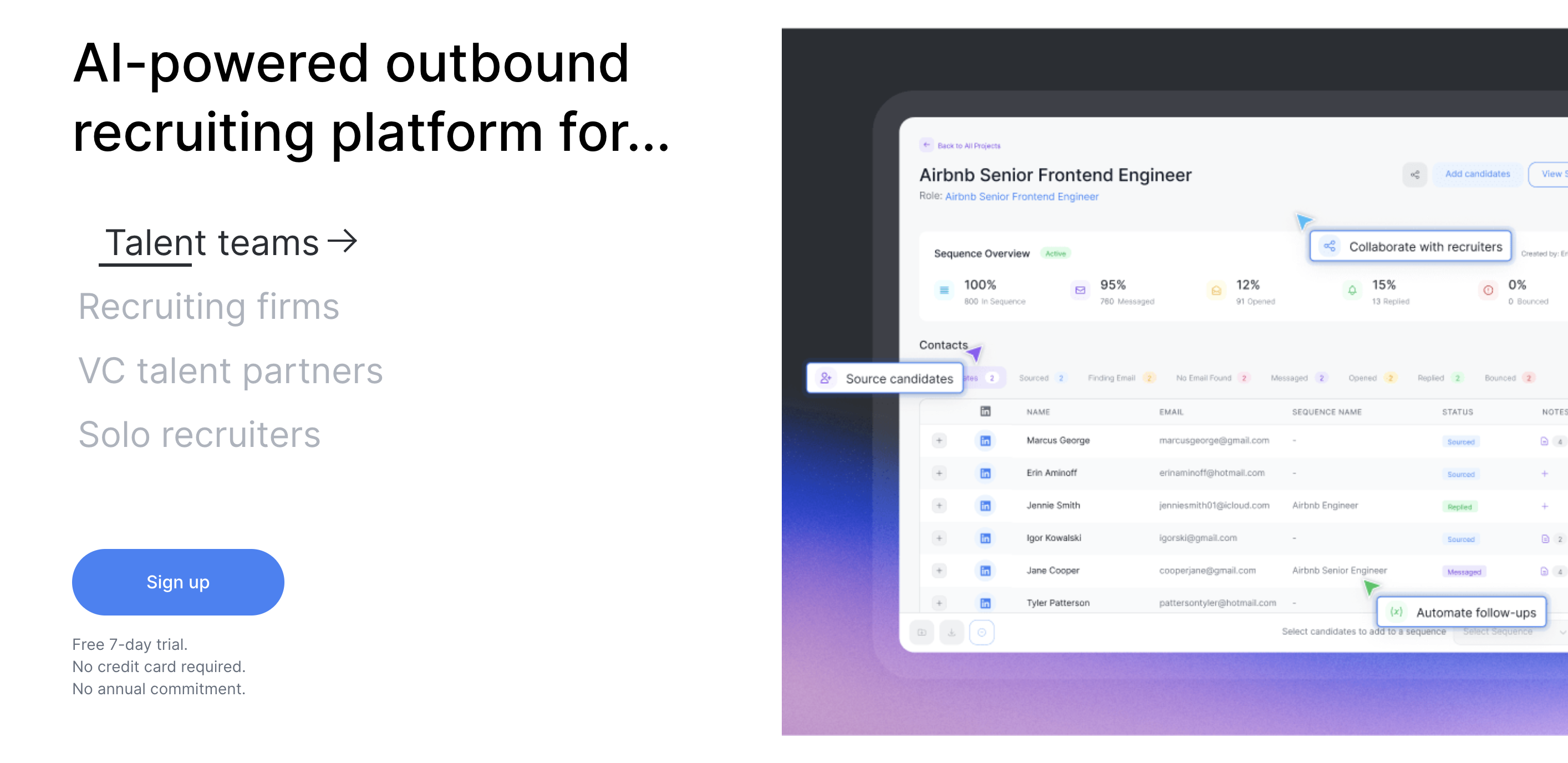
Betterleap is an AI-powered outbound recruiting platform that automates outreach sourcing and seamlessly connects everyone involved in the recruiting process. Key features include:
- AI-Powered Sourcing: Leverage AI recruiting to identify and source top talent from a vast pool of potential candidates.
- Streamlined Outreach: Automate personalized email sequences using GPT technology for effective outreach.
- Real-Time Collaboration: Facilitate seamless collaboration among recruiters, hiring managers, and stakeholders.
- Data-Driven Insights: Gain valuable insights into candidate engagement and job fit using comprehensive data analytics.
10. Metaview
G2 Rating: 4.9/5
Capterra Rating: Nill
Free Trial: Available
Pricing: Paid plans start from $20/month/user.
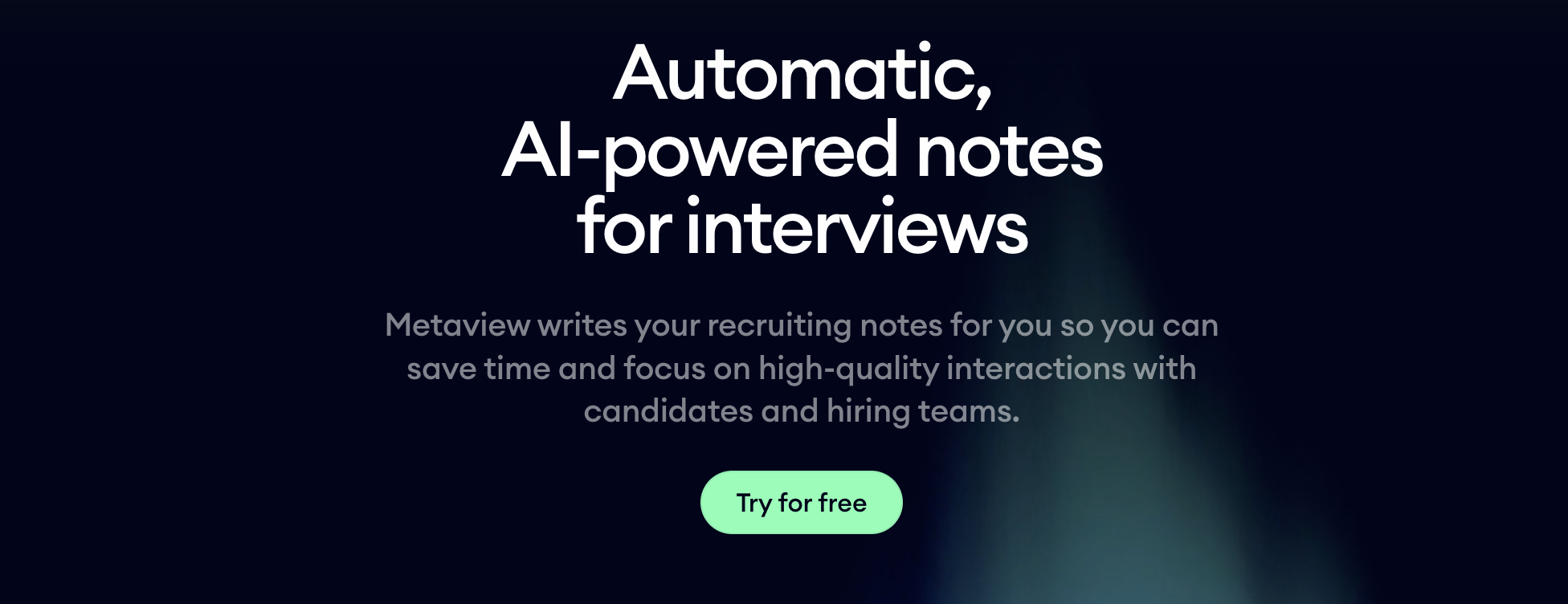
Metaview uses machine learning to streamline the interviewing process and capture key insights for better hiring decisions. Here are some key points to know about this software:
- AI-Powered Interview Notes: Automatically takes notes during interviews, reducing transcription costs and freeing up time for interviewers.
- Video Interview Analysis: Extracts key behavioral and verbal cues from video interviews to assess candidates’ soft skills and cultural fit.
- Predictive Analytics: Uses historical data to predict candidate success and identify potential biases in the hiring process.
- Real-time Feedback: Provides interviewers with real-time feedback during interviews to help them adjust their questioning and improve candidate engagement.
Why Use Recruitment Automation Software?
Recruitment automation software streamlines time-consuming tasks, enhances the candidate experience, and facilitates data-driven hiring decisions, making the hiring process significantly easier.
Here are five key ways in which recruiting automation software contributes to easing the hiring process:
- Automate Repetitive Tasks: Automate manual tasks like scheduling interviews, sending reminders, and collecting candidate data, freeing up time for recruiters to focus on building relationships and strategic initiatives.
- Streamline Candidate Sourcing: Utilize intelligent sourcing tools to identify and reach top talent across multiple channels, expanding your talent pool and reducing the time to hire.
- Enhance Candidate Experience: Personalize candidate interactions with automated communication, self-service portals, and feedback loops, creating a positive and engaging experience that attracts top talent.
- Gather Data-Driven Insights: Leverage analytics and reporting tools to gain valuable insights into recruitment performance, identify recruitment trends, and make informed decisions to improve hiring outcomes.
- Reduce Bias and Promote Diversity: Employ AI-powered tools to eliminate unconscious bias in the hiring process, ensuring fair and equitable decision-making that fosters a diverse workforce.
The transformative power of recruitment automation software is reshaping the hiring landscape, offering unparalleled efficiency and strategic advantages in talent acquisition. With an array of cutting-edge tools like AI-driven sourcing, automated communication, and data analytics, these platforms empower recruitment agencies to navigate the competitive talent market with precision and agility.
Recruitment
Sagrika Jain is an accomplished Content Marketing Lead with over 14 years of experience specializing in the HR tech niche. She holds a Master’s degree in Mass Communication and an MBA with a specialization in Human Resources. Leveraging her deep expertise in crafting SEO-optimized and social media-friendly content, Sagrika develops insightful, strategy-driven materials that integrate effective communication techniques with cutting-edge HR practices. Her work empowers organizations to achieve their strategic goals and enhance operational effectiveness.


Sagrika Jain